Scheduled Report Printing & Emailing with Dynamics Report Manager

Feb 24, 2016

Schedule your reports to be printed or sent through email automatically with Dynamics Report Manager! Some of the benefits for having this awesome feature are:

– Reports are done without having to be at your computer
– Key players in your company are given the information they rely on
– You no longer need alerts reminding you to do your reports
– You can be working on other important projects

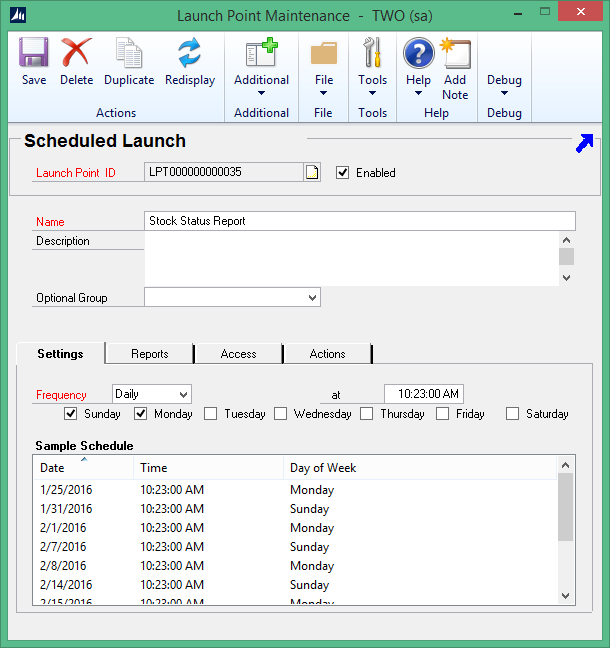
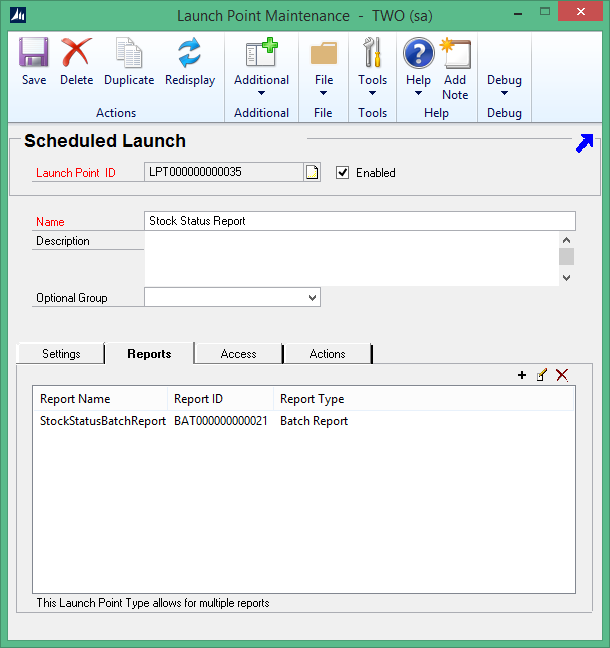
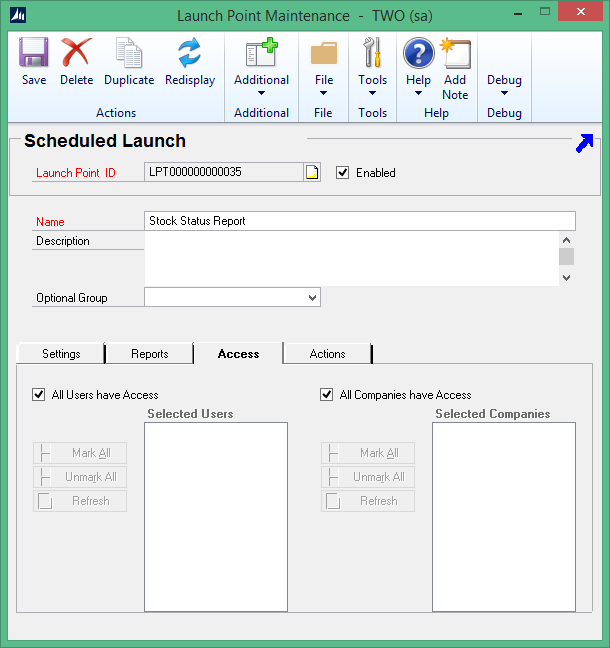
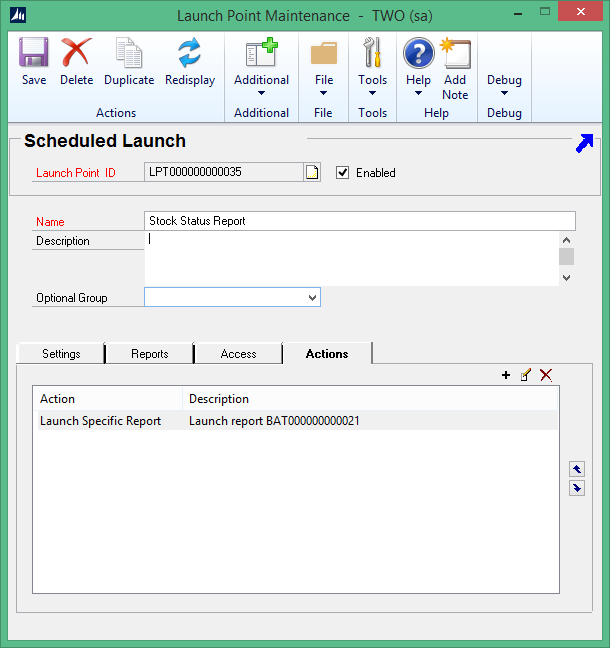
To utilize this feature, create a Scheduled Launch within Dynamics Report Manager. The steps on how to do this can be found in this Knowledge Base Article: Launch Point setup example – Schedule Launch.

Here are some screenshots, too:
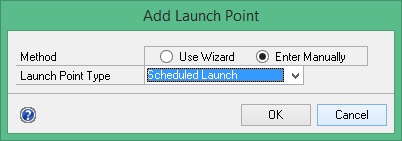


Now enjoy the extra time you’ve just created for yourself! If you have questions, please contact the Rockton Software Support team at support@rocktonsoftware.com.

Related Content

Are You Tired Of Manually Tracking Vendor Rebates?

Buy Automating Vendor Rebates, Businesses Can:Automated systems ensure rebates are calculated accurately, eliminating the risk of human error. With a streamlined process, employees spend less time manually managing rebates and can focus on more strategic tasks. Timely...

March 2025 Team Spirit

Did you know that Microsoft Teams has a 3D immersive space? On a recent team collaboration call, we explored sitting around a campfire and roasting marshmallows. While on a call, selecting the "View" tab will populate a few options for meeting attendees. Selecting the...

February 2025 Team Spirit

This month's collaboration call highlight gathered opinions of team members; specifically, their thoughts on which animal would be the rudest if animals could talk?KaleighA specific animal is my fat dog. He can be so rude; he's sassy without even speaking.BlakeI'm...

Send this to a friend